Digital Incident Reporting for Security Companies
Last updated: March 2026
Overview
When a break-in happens at 2 AM, your client should hear about it from you—not from their own staff arriving the next morning. Yet with paper-based incident reporting, the average client notification time stretches to 2-6 hours after an incident occurs. In an industry where trust is your product, that delay can end a contract faster than any competitor's lower bid.
The problem compounds beyond client communication. Paper incident reports take 20-45 minutes to complete, require physical collection and re-entry that adds 1-2 hours of admin time per significant incident, and 15-20% contain errors, omissions, or illegible entries that create liability exposure. Worse, memory degrades within 30-60 minutes of an incident—meaning reports written at shift's end are reconstructions, not accurate records. And once filed, paper reports cannot be searched or analyzed for patterns that could prevent future incidents.
This page explains how digital incident reporting automation works for security companies, the specific problems it solves, and the measurable results you can expect. You'll see exactly how mobile reporting with GPS timestamps, guided forms, and instant client notification transforms incident documentation from a liability into a competitive advantage.
The Problem
Paper incident reports consume 35 minutes on average to complete, and the administrative burden doesn't stop there—physical collection, scanning, and data re-entry add 1-2 hours of admin time per significant incident. Client notification averages 4 hours with paper-based systems, creating a gap where clients may learn about incidents from their own employees or tenants first. Approximately 18% of paper reports contain errors, omissions, or illegible handwriting, and without GPS timestamps or photo evidence, disputed incidents become your word against theirs. Perhaps most critically, 70% of security firms cannot search their own incident data for patterns because paper reports are filed and forgotten.
The Solution
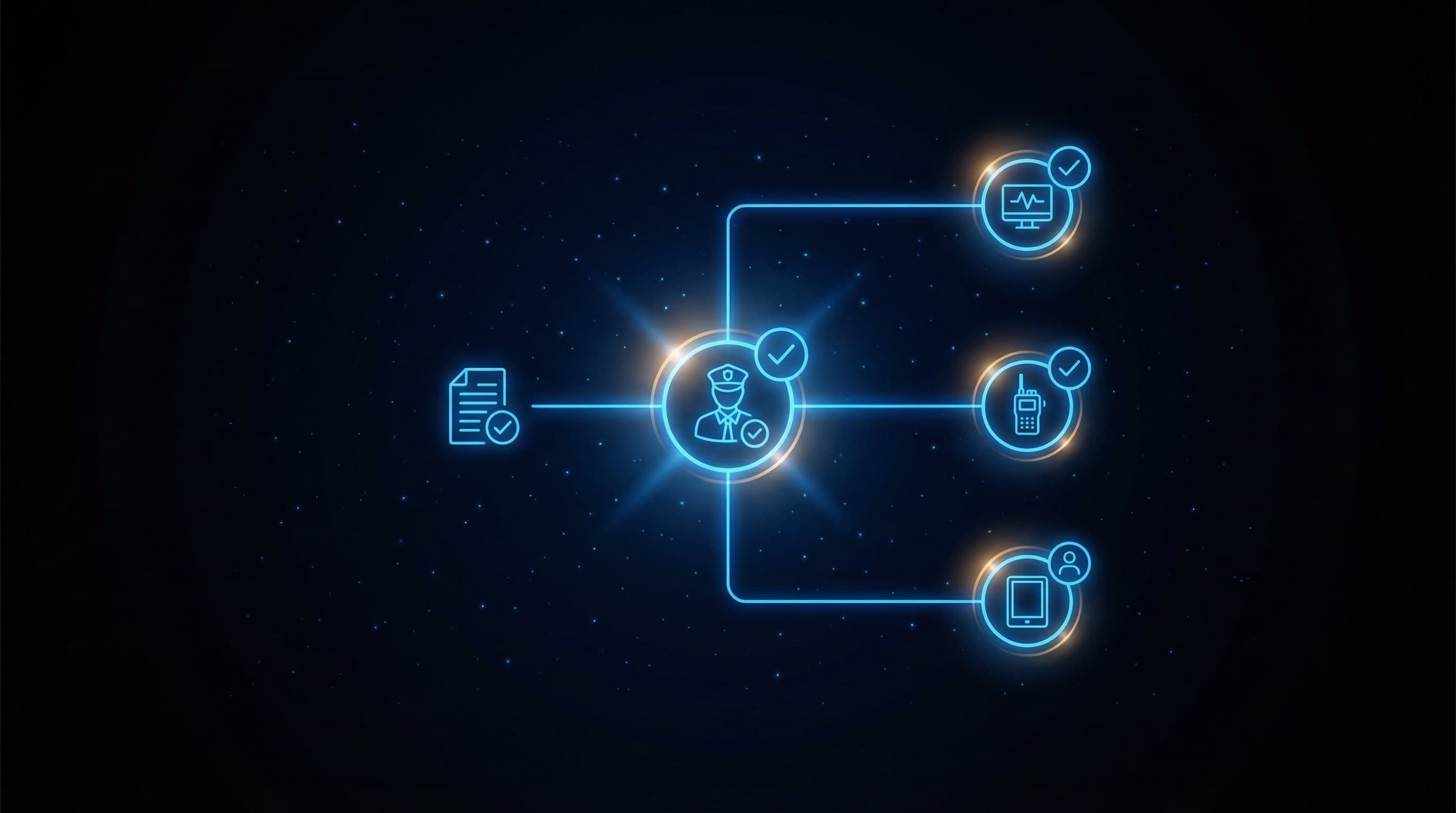
Elevasis automates digital incident reporting by equipping guards with mobile forms that capture GPS coordinates, timestamps, and photo evidence at the moment of occurrence—not hours later from memory. Guided form fields with dropdown selections and required fields reduce the error rate from 18% with paper to approximately 3% with digital reporting. The system automatically routes completed reports to designated client contacts within minutes, not hours, and aggregates incident data into searchable databases that surface patterns across sites, shifts, and incident types. Integration with platforms like TrackTik, Silvertrac, and Trackforce Valiant means incident data flows directly into your existing guard management and GSOC systems without manual re-entry.
How It Works
- 1
Guard initiates report from mobile device on-site
When an incident occurs, the guard opens the reporting app on their smartphone or tablet. The system automatically captures GPS coordinates and timestamp, establishing an unalterable record of when and where the report was filed—critical for chain-of-custody documentation and liability protection.
- 2
Guided forms ensure complete, accurate documentation
The guard selects the incident type from predefined categories matching your post orders and client requirements. Required fields prevent submission until all critical information is captured, while dropdown menus and checkboxes eliminate illegible handwriting and reduce completion time to approximately 7 minutes versus 35 minutes for paper.
- 3
Photos and evidence attach with metadata
Guards capture photos directly through the app, which embeds GPS coordinates and timestamps into the image metadata. This creates court-admissible evidence that cannot be disputed or claimed to be from a different location or time—reducing disputed incidents by approximately 60%.
- 4
Automated routing notifies clients in minutes
Upon submission, the system automatically sends the complete incident report to designated client contacts based on incident type and severity. Critical incidents reach clients in under 15 minutes instead of the 4-hour average with paper reporting, ensuring they hear about problems from you first.
- 5
Data aggregates for pattern analysis and reporting
Every incident enters a searchable database that can be filtered by site, time, incident type, guard, and dozens of other parameters. Monthly client reports generate automatically, and the system surfaces patterns—like recurring incidents at specific access points—that inform proactive security recommendations and demonstrate value at contract renewal.
Results
Security companies implementing digital incident reporting see report completion time drop by 75%—from 35 minutes to approximately 7 minutes per incident. Client notification improves from a 4-hour average to under 15 minutes, transforming reactive damage control into proactive communication. Report accuracy increases from 82% to 97% through guided forms and required fields, while GPS-stamped, photo-attached documentation reduces disputed incidents by 60%. For guards working in an industry with 200% annual turnover, eliminating end-of-shift paperwork burden improves job satisfaction and retention.
Impact of Digital Incident Reporting
0%
Report Time Reduction
7 min vs. 35 min on paper
0 min
Client Notification
Down from 3-4 hours with paper
0%
Report Accuracy
Guided digital form vs. 82% paper
0%
Disputed Incidents Reduced
GPS and photo evidence on every report
Source: Vendor Data
Frequently Asked Questions
The mobile reporting system includes an 'Other' category with free-form text fields for unusual incidents, while still capturing GPS, timestamp, and photo evidence. New incident types can be added to the system within minutes, and the platform learns from usage patterns to suggest additions based on free-form entries across your sites.
Yes—the system doesn't eliminate paper reporting capability, but provides strong incentives to use digital. Offline mode allows guards to complete reports without cell signal, syncing automatically when connectivity returns. For guards resistant to technology, the time savings (7 minutes vs. 35 minutes) and elimination of end-of-shift paperwork typically drive adoption within weeks.
The system configures site-specific incident categories, required fields, and notification rules based on each client's post orders. When a guard checks into a site, the reporting forms automatically adjust to that client's requirements. This ensures a warehouse client receives different incident documentation than a retail location, without guards needing to remember site-specific paperwork procedures.
Most security companies are fully operational within 2-3 weeks. The first week focuses on configuring your incident categories, client notification rules, and integrating with existing platforms like TrackTik or Silvertrac. Week two involves guard training, which typically requires less than 30 minutes per guard. By week three, you're processing live incidents through the system.
Digital reports with embedded GPS coordinates, timestamps, and photo metadata provide stronger evidentiary support than paper reports. The unalterable chain-of-custody documentation—showing exactly when and where each report element was captured—meets standards for insurance claims and legal discovery. One disputed claim resolved in your favor typically exceeds the annual cost of the entire reporting system.
The system integrates directly with major platforms including TrackTik, Silvertrac, Trackforce Valiant, Lighthouse, Guard Patrol Pro, and Winteam. Incident reports flow automatically into your monitoring center dashboard, triggering alerts based on severity levels you configure. This eliminates the gap between field reporting and GSOC awareness that paper systems create.
Ready to Automate Your Business?
See how digital incident reporting can transform your security operation's client communication and liability protection. Schedule a demo to watch the complete workflow in action with your specific post order requirements and client notification rules.